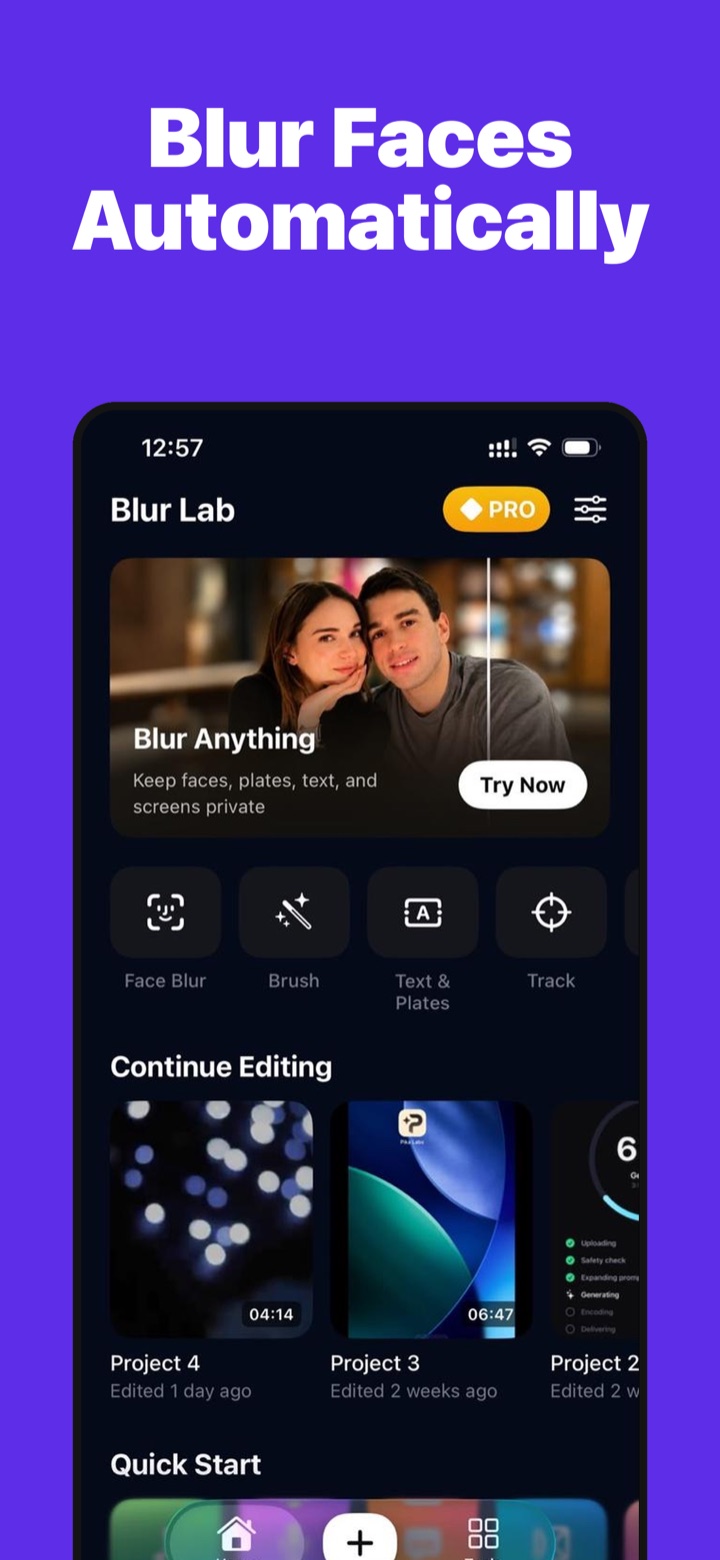
Blur Video finds every face, number plate and line of text in your clip, tracks it as it moves, and covers it with blur, pixelation, mosaic or an emoji. Then export in up to 4K. Nothing is uploaded, ever.
Scroll through what the app does, from one-tap face blur to a full timeline editor.
Import any video from Photos or Files. Long clips, screen recordings, dashcam footage, vlogs: all fine.
One pass detects faces, number plates and text and creates a tracked layer for each. Drop a blur on anything else and tap Track to follow it, or paint by hand.
Choose gaussian, mosaic, pixelate, motion blur, a censor bar or an emoji, then export as MP4, MOV, GIF or audio in up to 4K.
Every face in the clip is found and covered so it cannot be recovered, including faces that enter mid-video.
Plates, street signs, documents, phone screens and captions are detected as text and masked in the same pass.
Drop a blur on a logo, a tattoo, a bystander or a licence and it follows the subject through the shot.
Paint over an area with your finger for things no detector will catch, with adjustable brush size and strength.
Keep the subject sharp and blur, pixelate or smear everything behind them. Portrait mode for video.
Trim, split, add music, voiceover, captions and text on a multi-track timeline. Undo everything.
Face and text detection, tracking and rendering all run on the device's own chip. There is no upload, no account and no server that could see what you are hiding.
The app is free to download and use. Pro unlocks higher export resolutions and formats, removes the watermark, and is sold as a subscription or one-time purchase through Apple.
No. Detection, tracking, blurring and export all happen on your iPhone. You can run the whole flow in airplane mode. See Private by design.
Blur Video renders the effect into the exported frames; the original pixels are not stored in the export. Pixelate and mosaic at a coarse size are the safest choices for anything sensitive. Always keep your original clip private.
Detection is best-effort, so scrub through the clip before sharing. Drop a blur on anything missed and tap Track, or paint it by hand. Details in Support.
MP4, MOV, silent looping GIF, or audio only, at 240p to 4K and your choice of frame rate and quality.
Subscriptions are managed by Apple in Settings → your name → Subscriptions. Refund requests go through reportaproblem.apple.com. Anything else: contact@vidjar.net.
Free to download. Runs entirely on your iPhone.